Game Payment supports safer gambling by enabling you to take a break from gaming at any time.
- Please click on the 'Safer Gambling' button on the app home screen.
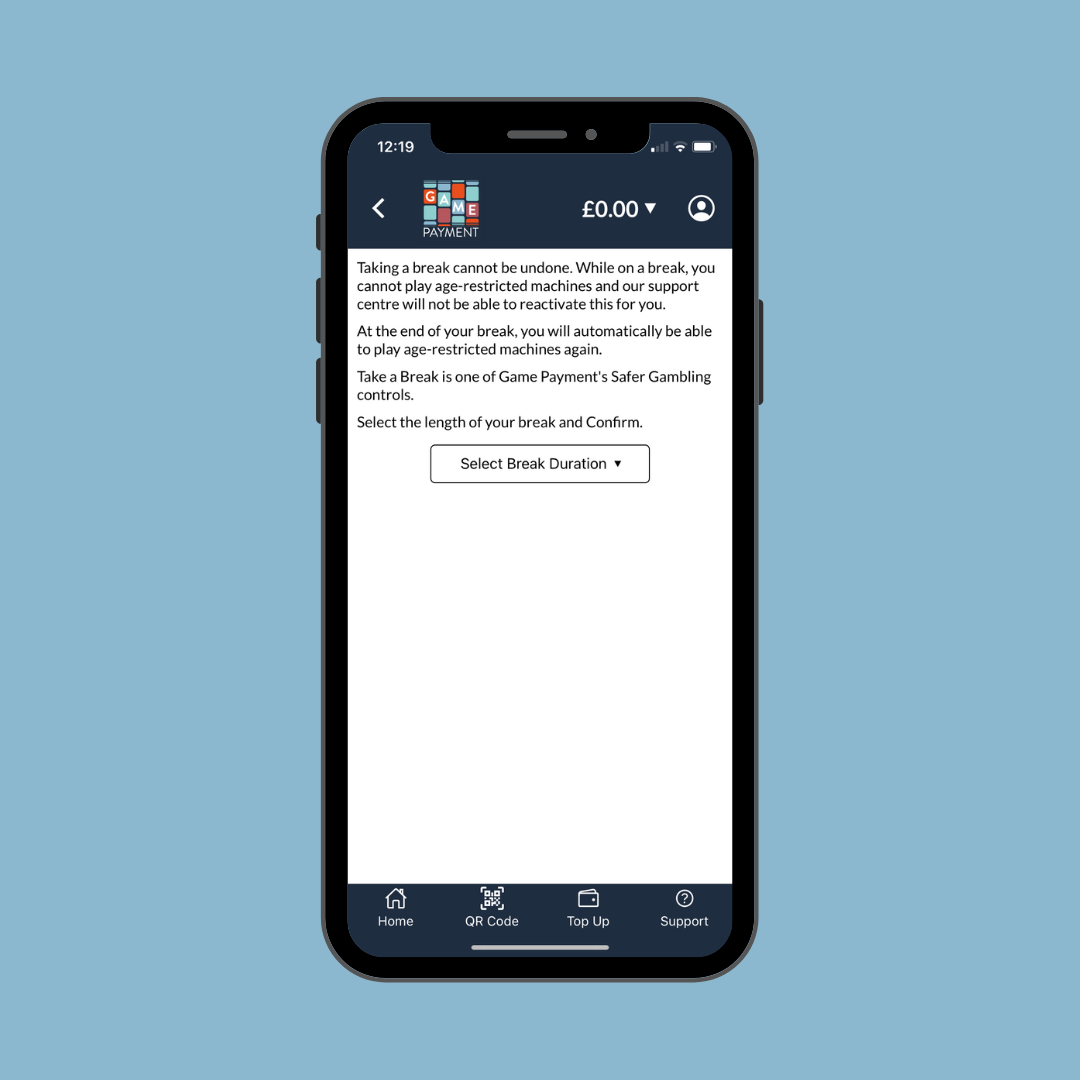
- Select 'Take A Break'.
- Select a duration in the drop down menu.
- Taking a break means you cannot access your account for the specified amount of time.
- If you have a balance of funds still on the account, you will need to withdraw it. Select the Withdraw button.
- Once you have withdrawn the funds, return to the Take a Break section and follow the instructions.
Was this article helpful?
That’s Great!
Thank you for your feedback
Sorry! We couldn't be helpful
Thank you for your feedback
Feedback sent
We appreciate your effort and will try to fix the article