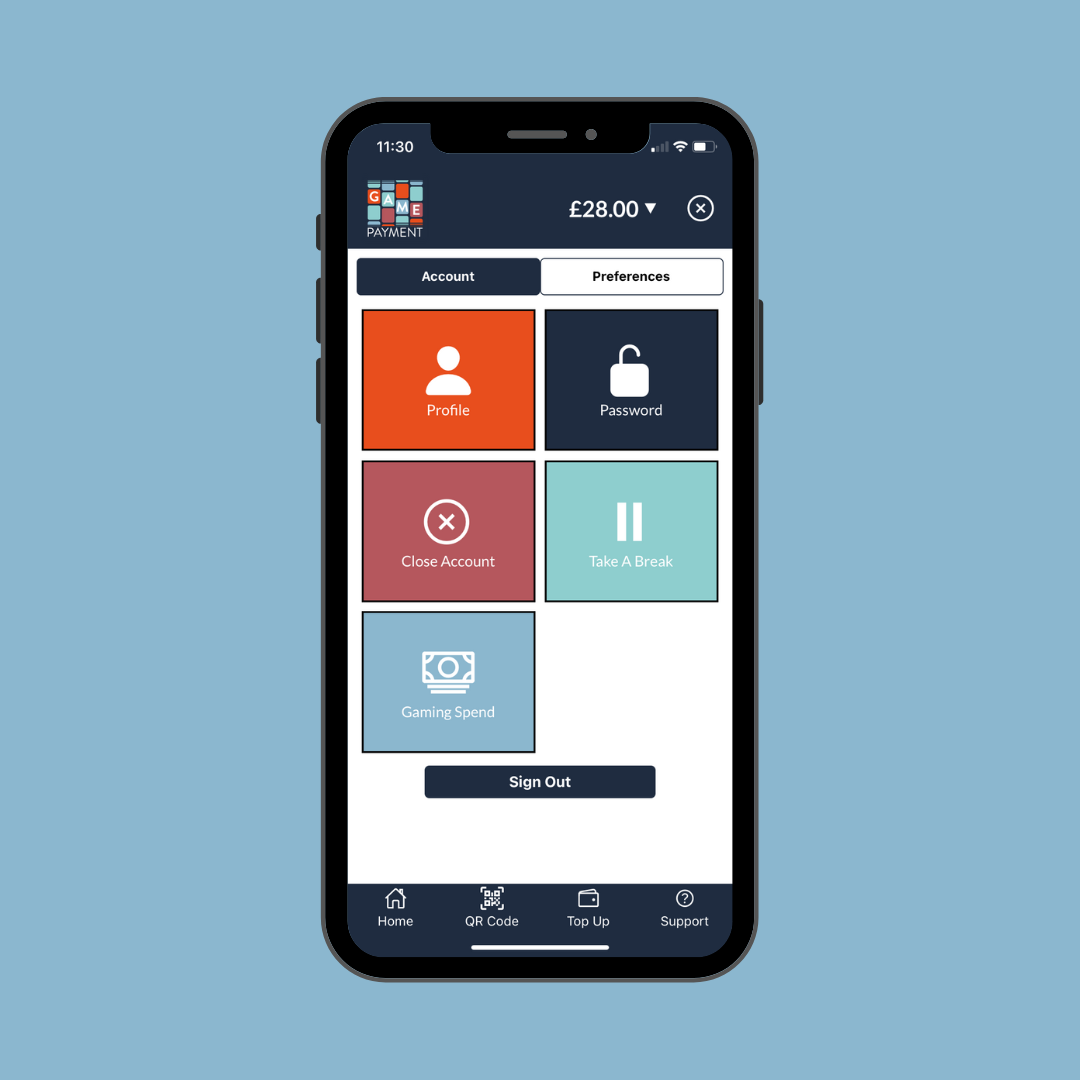
- Select the 'Account' button on the top right of the screen in the app.
- Select the 'Close Account' option.
- Type 'confirm' in the text box, and click 'Confirm'
- If you have a balance in your wallet this will be automatically returned back to the card you used for your last deposit.
- Alternatively you can close your account via support, by submitting a support ticket and choosing the Account Closure option within the “What do you want to contact us about?” dropdown field, making sure you enter the same email as registered with Game Payment.
Was this article helpful?
That’s Great!
Thank you for your feedback
Sorry! We couldn't be helpful
Thank you for your feedback
Feedback sent
We appreciate your effort and will try to fix the article